
If you have a website, you probably want people to find it. But do you even know how your site is “doing” on Google? An SEO test (also known as an SEO audit) is the first step toward better visibility in search engines, more visits and, most importantly, more buyers.
An SEO test is a detailed check of all important elements of your website that affect its position in search results.
The goal is to discover what works, what doesn’t work properly and where there are opportunities for improvement.
An SEO test is not just a technical analysis, it is a way for you to better understand how your site is seen by Google, but also by your customers.
It also helps identify blocks that prevent you from being found. You might have excellent products, but a poor page title, long loading time or content that does not meet the needs of the user. All of this affects your position in search results. A good SEO test gives you a clear picture of what needs to be fixed so you can get more visitors and turn them into buyers.
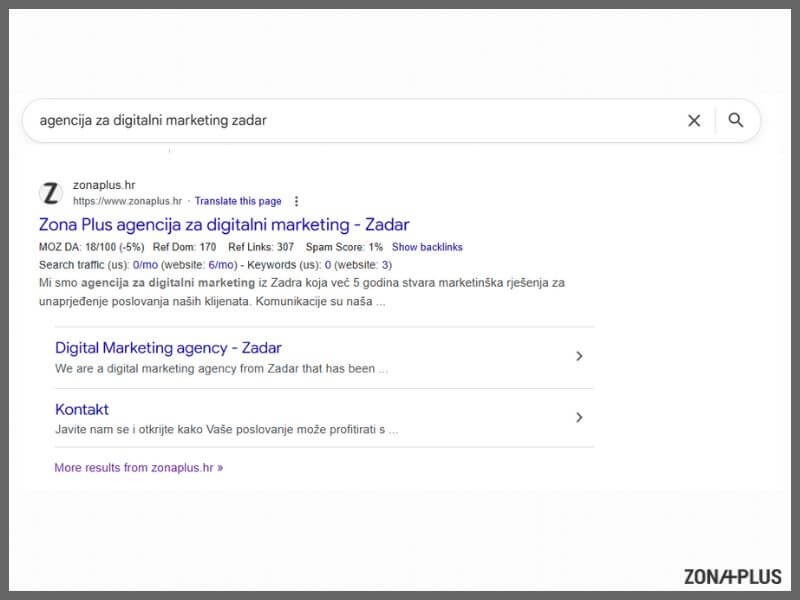
And how is your site actually displayed on Google?
The first step of every SEO test is checking the index on Google. Type into Google: site:yourcompanyname.hr/com. You will see how many of your pages Google displays at all. If there are very few or none visible, you have a problem.

No one likes to wait. If your page loads slowly, most visitors will leave before they see anything. Search engines take that as negative information and lower your ranking in search results. Speed is not a minor technical detail but an important condition for digital visibility.
A simple SEO test shows you how quickly your page loads on mobile phones and computers:
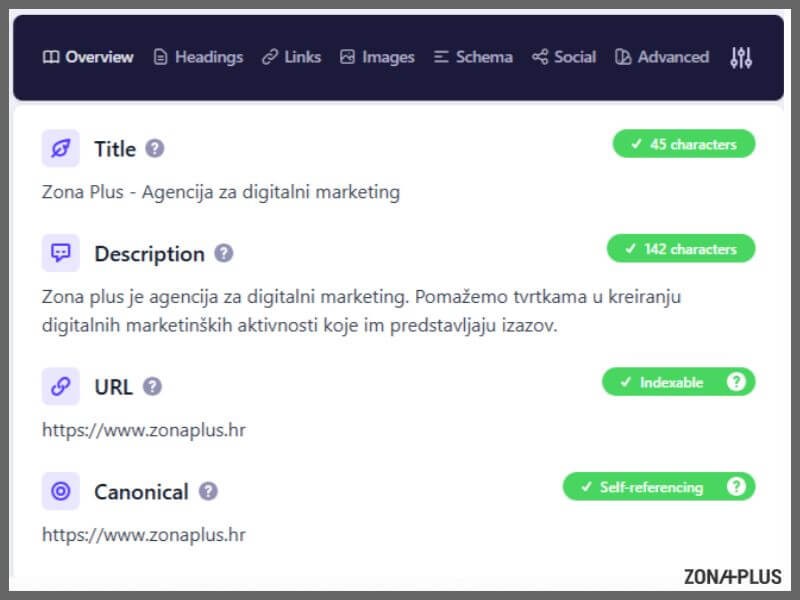
Technical SEO refers to the “background” of your website – things you might not see, but that Google clearly sees. If you want search engines to take you seriously, you have to make sure your site is technically correct. The good news is that this does not require programming, just some organization and good tools.
Here is what you should check:
To check these things we recommend:
Even if you do not know exactly what each result means, these tools are designed to guide you step by step. The most important thing is that you know how to ask the right questions and where to look.

On-page SEO includes everything found on the page itself and affects how search engines display it in the results. Google does not guess the content of your page. It needs to be clearly told what is on each page.
Each subpage must have:
These are the basic elements you can check yourself.
If you use WordPress, Yoast SEO is a plugin that helps you edit them on each piece of content. For a simple page check, Ubersuggest is also recommended, offering an overview of basic data without creating a user account.
On-page SEO helps search engines read your site more easily, and helps visitors stay on it.

More than half of people view content on mobile phones. If the page does not display clearly, quickly and neatly on a small screen, the visitor will leave quickly.
Search engines rate such pages lower because they give preference to those that are easy to use on all devices. This includes readable text, adjusted buttons and content that does not need to be zoomed in with fingers.
Here are some fresh statistics:
To check how your site looks and functions on a mobile phone, use PageSpeed Insights. It is enough enter yout webiste and you will see the score along with specific suggestions on what needs to be improved.
Keywords are terms that people type into a search engine when looking for a product, service or information. If you know which words most often lead to your page, you can more easily decide on topics, titles and content worth publishing.
The simplest way to check is to sign in to Google Search Console and add your domain. In the “search results” section you will see which terms people use and on which positions your page appears.
For additional ideas and comparison with the competition, the following tools are also useful:
Their free versions provide enough data for an independent start. The right word in the right title often means more clicks and more visits without additional advertising costs.
External links, or backlinks, are links from other websites that lead to your own. The more of them there are and the more they come from reliable sources, the more search engines consider your content useful. You can check them using Ahrefs Webmaster Tools or Ubersuggest. If you have very few such links, that can limit your visibility in search results.
Links do not collect themselves. If you want to improve your backlinks, publish useful articles on other portals, write expert comments or engage in collaborations with companies that share a similar audience.
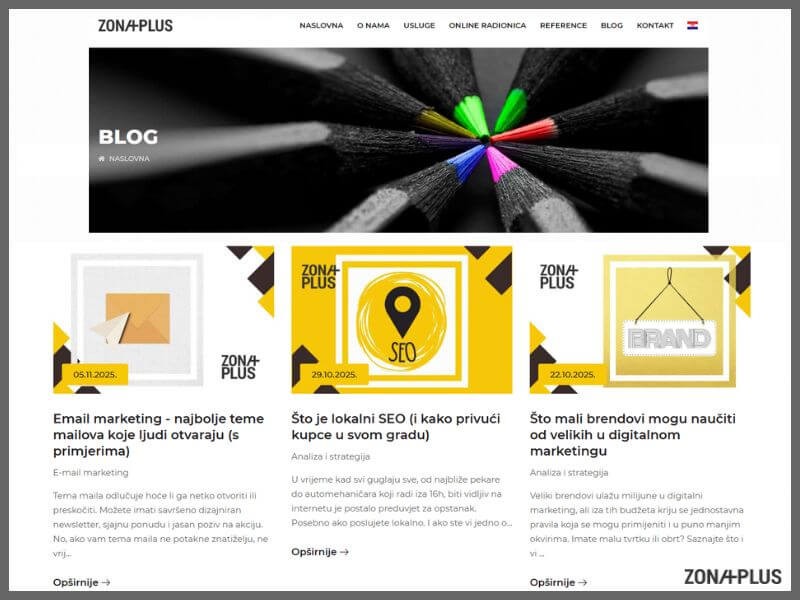
SEO is no longer based only on technical settings and keyword repetition. Google increasingly analyses visitor behaviour. Do they stay longer on the page, do they click on other subpages, do they return again? All of that shows whether the content you offer is good.
So ask yourself these questions:
Good content solves a real problem, without introductions that lead nowhere and without unnecessary repetition. A visitor should quickly understand where they are, what they can learn and why they should stay right there.
SEO is not a task that you complete and forget. Search engines regularly change the rules, competitors invest in content, and your site ages without you noticing. A page that was good last year does not mean it is still among the best. It is recommended to do a review at least once every 3 to 6 months. A regular SEO test helps you stay ahead of those waiting to be penalised by Google due to outdated technical settings or poor content.
Set a reminder, keep notes on changes and save old results so you can track progress. If you work in a team, share tasks and results. Smaller checks each month, such as page speed or new 404 errors, can prevent bigger problems later.
SEO test is already a basic check of the condition of your site. If you do not have a solid technical base, clear content and precise titles, it will be difficult to reach visitors who are looking for exactly what you offer. Without checking, you are spending energy on content that maybe no one sees.
The good news is that you can check most things yourself. You do not need to be an IT expert to know how to check page speed, the existence of an SSL certificate or the structure of your headings. With the tools we mentioned and a clear plan, you can make a big difference.
If you want someone to review your site from a professional perspective, contact Zona Plus. We help entrepreneurs get the most out of what they already have.